 01
01ONE PHOTO. THREE LITTLE LIES. THE REAL REVEAL.
Sorry I Lied AI Photo Generator
Turn one costume photo into a four-image reveal: three AI-edited costume stages, then your untouched original. Choose the costume. We handle the prompts.
Your story, in four frames
From the costume you imagined to the photo you actually took.
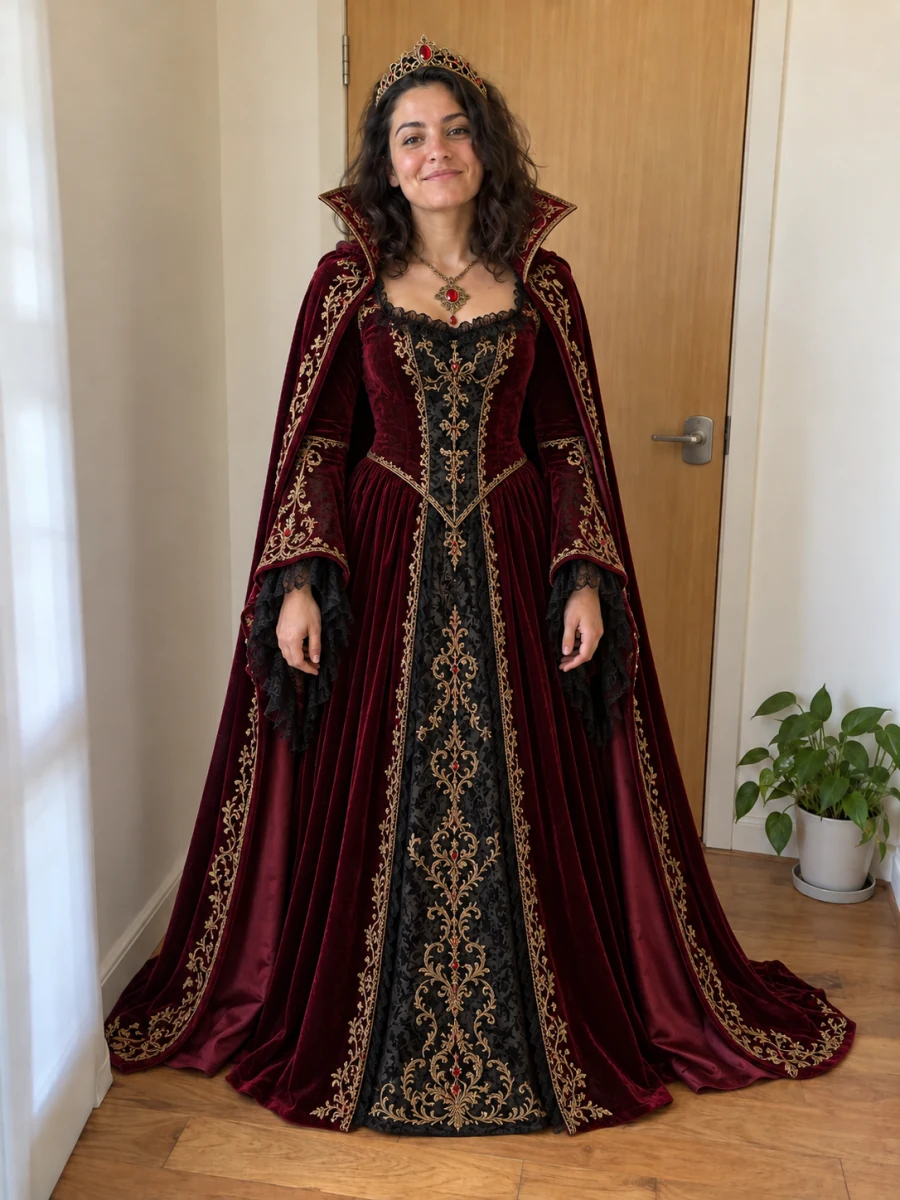
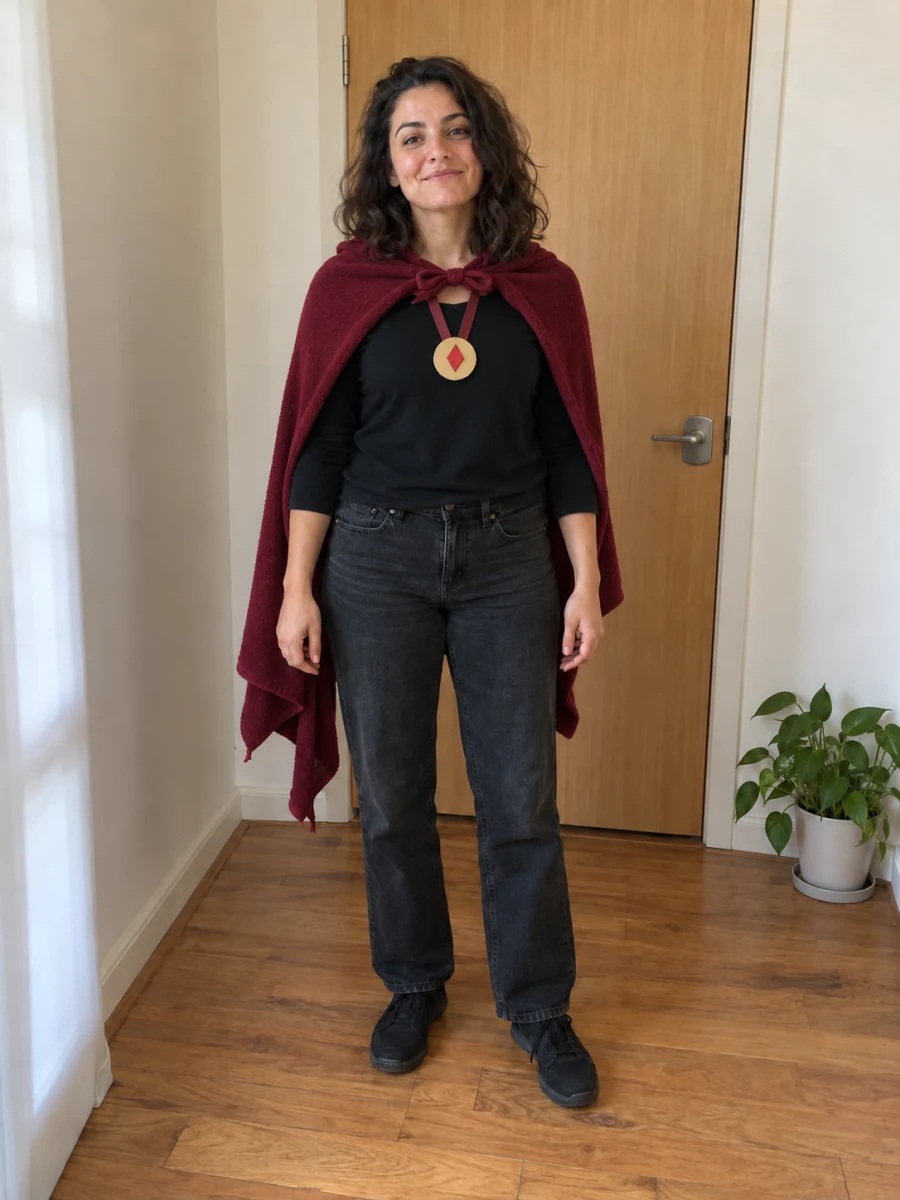
Example: the royal vampire reveal
All four example images are AI-created illustrations. They were not generated with this tool.
01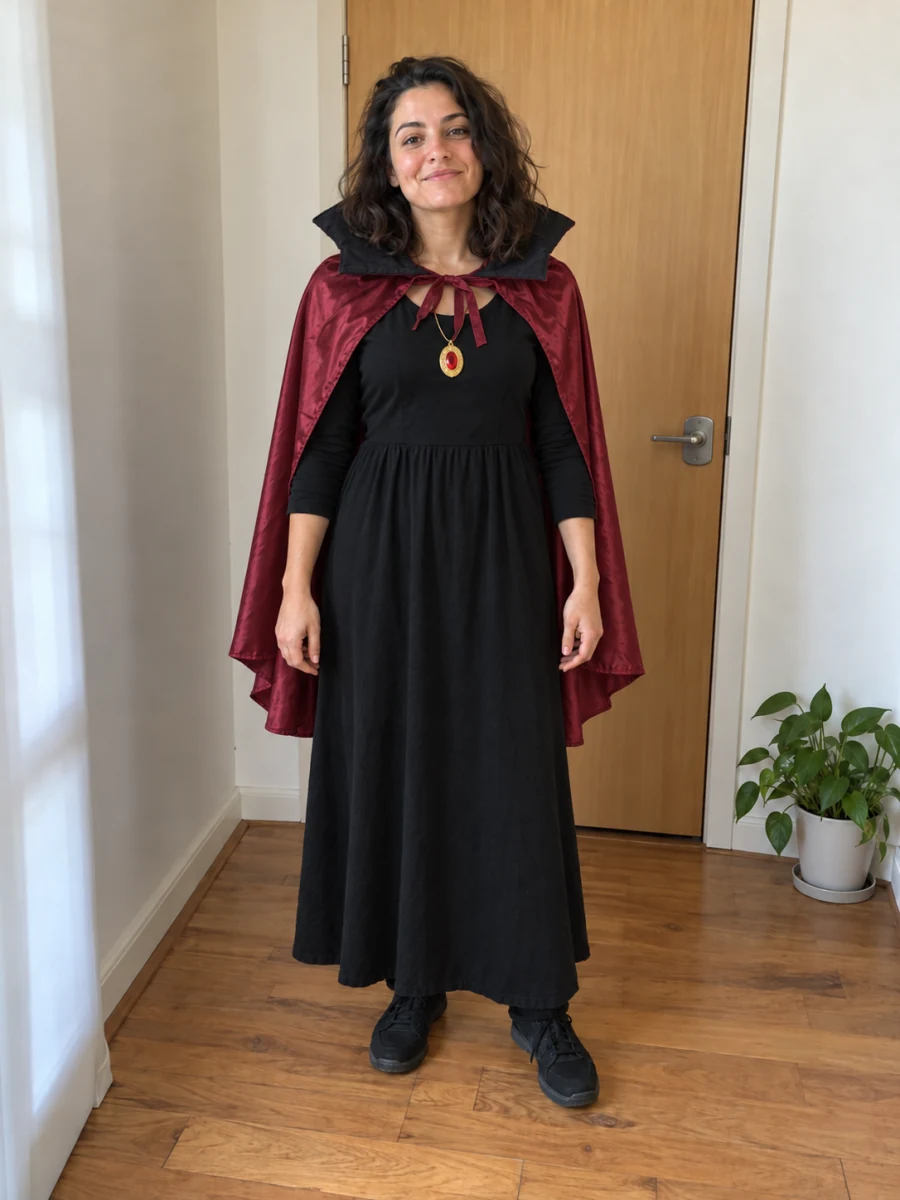 02
02Okay, a little simpler
 03
03Almost the truth
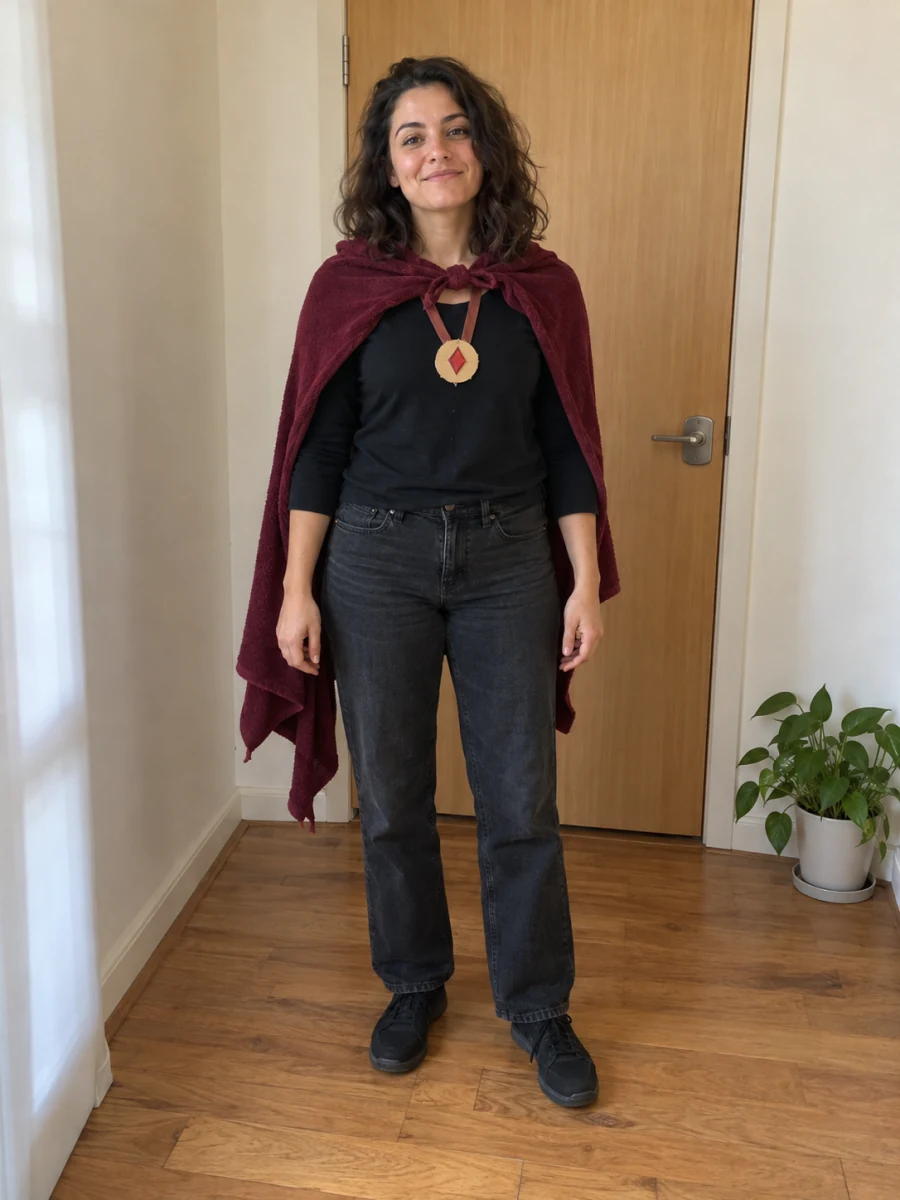 04
04The starting image
AI-created reference image
Fits the whole image without cropping, with your captions. Original files are also included.
Compare every edit with your original before posting. AI can change faces, clothing and background details.
How to make the Sorry I Lied photo trend
Upload the original
Start with a childhood Halloween photo or another costume photo. The original becomes the final reveal.
Choose the costume and strength
Describe the outfit in a few words. Try the first stage for 2 credits, or create all three edits for 6.
Review, download, reveal
Check the face and outfit, edit captions and download the numbered images. Add them to a TikTok photo carousel in order.
One photo. Three costume stages.
This Sorry I Lied costume AI generator uses the same original photo for every edit. Each stage has its own instructions, so the reveal moves from an ideal outfit toward reality.
- 01The dream costume. A polished, elaborate version of the costume you describe.
- 02Okay, a little simpler. The same idea, with homemade materials and fewer accessories.
- 03Almost the truth. A small improvement, much closer to your real outfit.
- 04The actual photo. The original upload. No AI redraw and no extra credits.
What goes into a Sorry I Lied AI prompt?
Each stage asks for the same recognizable person, age, pose and setting, changing the costume and necessary accessories. Captions are added during export, not drawn by the model.
Edit this reference photo. Preserve the person, apparent age, pose, expression and setting. Reimagine the costume as a more elaborate version. Return one photo without text or collage.
Choose a clear photo. Review the face.
Use one person with a visible face and outfit. Every edit references the original to reduce accumulated drift, but face, age, pose and background preservation are goals—not guarantees. Small or blurry faces and crowded scenes are harder to edit.
Credits, downloads & questions
What is the Sorry I Lied AI photo trend?
This version of the “I’m so sorry I lied” trend reveals a real costume photo after increasingly modest AI edits. This tool makes three edited pictures and keeps your original as the fourth frame.
Do I need to write image prompts?
No long prompt is needed. Describe the costume and choose Subtle, Classic or Dramatic. The tool supplies separate editing instructions for all three stages.
Can I try Sorry I Lied AI for free?
Sign-in is required. Each edit costs 2 credits; three edits cost 6. Eligible new accounts may receive signup credits, shown beside the generator when available. The original and downloads cost no extra credits. A trial edit can be reused when completing the same reveal for 4 more credits.
Will my face and original photo stay the same?
The original file is preserved unchanged. AI edits aim to retain the same person, pose and setting, but may alter details. Compare each result before posting. There is no pixel-level identity lock or mask editor.
What can I download?
Download each image or an ordered ZIP after all three edits finish. The ZIP contains the original upload, three edits and your captions. Optional 9:16 PNG canvas copies fit the whole picture without cropping. Original files retain their actual JPG, PNG or WebP format.
Does this create a video or include the trend song?
This is an image tool. It does not export MP4 or include music. Upload the numbered images to TikTok photo mode and choose an available sound there, or arrange them in your own video editor.
What happens if one stage fails?
A confirmed failed stage refunds its own 2 credits. Successful images stay saved. You can retry that stage for 2 credits. A request awaiting provider confirmation is kept pending and is not automatically submitted again.